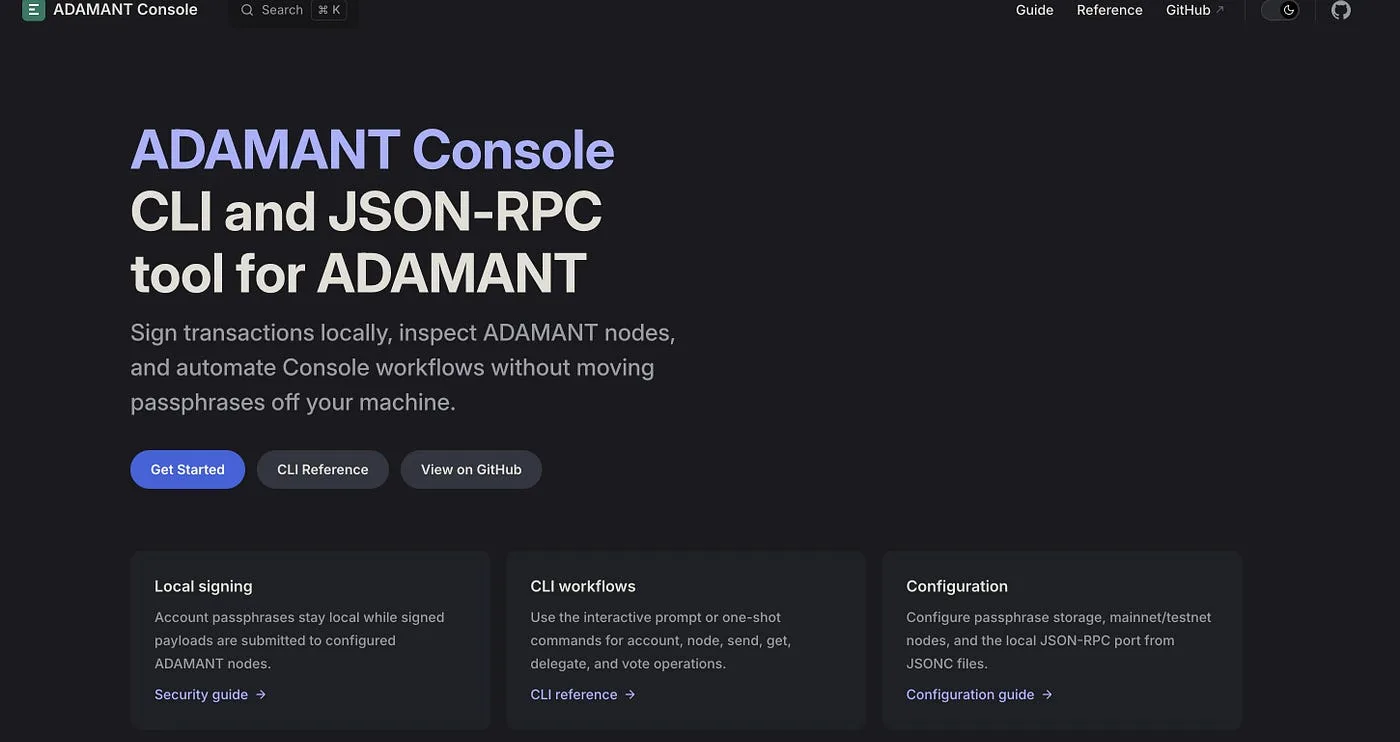
ADAMANT Console v3.1.0 is now available on GitHub and npm. This release brings Console in line with ADAMANT Node v0.10.0 and refreshes the developer experience around CLI usage, JSON-RPC integrations, and local JavaScript wrappers. It targets anyone using ADAMANT in scripts, bots, exchange infrastructure, internal tools, monitoring dashboards, or payment automation.
What Is ADAMANT Console?
ADAMANT Console is a command-line and JSON-RPC tool for interacting with the ADAMANT blockchain. It can inspect accounts, blocks, transactions, chats, delegates, and node status; send ADM transfers and encrypted messages; run as a local JSON-RPC bridge for services written in any language; and sign transactions locally so passphrases are never sent to ADAMANT nodes. That last point matters: Console is designed around local signing. Your application prepares an action locally, Console signs it locally, and only the signed transaction is submitted to the network.
What’s New in v3.1.0
The main goal of this release is compatibility with ADAMANT Node v0.10.0. Notable changes include support for the node’s updated response and query behavior, an upgrade to adamant-api v3, new node status support, expanded chat and transaction helpers, returnUnconfirmed support for transaction lookups, delegate lookup by username or public key or ADAMANT address, updated direct-transfer filters with includeDirectTransfers, improved CLI help examples, expanded JSON-RPC method coverage, a generated API reference with a new Console docs site, and an npm package published with provenance via Trusted Publishing. The supported runtime is now Node.js 22.13.0 or newer.
Install or update:
npm install -g adamant-consoleThen check your local setup:
adm client version
adm node status
Use Case: A Crypto Operations Bot for Team Workflows
A team running services that depend on ADM payments or node availability can use ADAMANT Console as a small local bridge behind a bot. A Telegram, Discord, or Slack bot can call Console commands or JSON-RPC methods to answer questions about node health, transaction status, wallet balances, and unconfirmed incoming payments.
Example CLI checks:
adm node status
adm get address U123456789
adm get transaction 123456789 returnUnconfirmed=1
adm get transactions recipientId=U123456789,limit=10
This is useful for support desks, monitoring channels, treasury operations, and internal incident response. The bot does not need to know the ADAMANT protocol in detail; it calls Console, parses JSON, and presents clean status messages to humans.
Use Case: ADM-Powered App Licensing or Access Control
Another practical use case is lightweight licensing. A self-hosted app, trading tool, analytics dashboard, or automation service can unlock premium access when a user sends ADM to a payment address. The backend assigns a deposit address to the user, watches incoming transactions, confirms payment amount and transaction status, activates access automatically, and optionally sends an encrypted ADAMANT message as a receipt.
A service can query transactions like this:
adm get transactions recipientId=U123456789,limit=20,returnUnconfirmed=1Or send a confirmation message:
adm send message U123456789 "Your subscription is active"For larger applications, the same flow can run through JSON-RPC, so the main backend can be written in PHP, Python, Go, Ruby, Java, or any other language that can make HTTP requests. Console becomes the local ADAMANT bridge.
Use Case: Fast ADM Deposits and Withdrawals via JSON-RPC for Exchanges
Exchanges and custodial services often need a simple, predictable interface for deposits and withdrawals. ADAMANT Console can run as a local JSON-RPC server:
adm rpc serverBy default, it listens on the configured RPC port, commonly 5080. Run the JSON-RPC server only on trusted infrastructure, behind a firewall or private network. If the server has access to passphrases, treat it as signing infrastructure.
Check node status:
curl -s -X POST http://127.0.0.1:5080 \
  -H 'Content-Type: application/json' \
  -d '{"jsonrpc":"2.0","method":"nodeStatus","params":[],"id":1}'
Generate a deposit account:
curl -s -X POST http://127.0.0.1:5080 \
  -H 'Content-Type: application/json' \
  -d '{"jsonrpc":"2.0","method":"accountNew","params":[],"id":2}'
Store generated credentials securely. Do not log passphrases or private keys.
Monitor deposits:
curl -s -X POST http://127.0.0.1:5080 \
  -H 'Content-Type: application/json' \
  -d '{"jsonrpc":"2.0","method":"getTransactionsReceivedByAddress","params":["U123456789"],"id":3}'
For more flexible transaction scans:
curl -s -X POST http://127.0.0.1:5080 \
  -H 'Content-Type: application/json' \
  -d '{"jsonrpc":"2.0","method":"getTransactions","params":["recipientId=U123456789","limit=20","returnUnconfirmed=1"],"id":4}'
Your exchange backend can reconcile deposits by address, transaction ID, amount, timestamp, and confirmation policy.
Process withdrawals:
curl -s -X POST http://127.0.0.1:5080 \
  -H 'Content-Type: application/json' \
  -d '{"jsonrpc":"2.0","method":"sendTokens","params":{"address":"U987654321","amount":"10ADM","passphrase":"your local passphrase"},"id":5}'
For production systems, passphrases should come from secure local secret storage, not logs, screenshots, CI output, or shared shell history.
Why This Release Matters
ADAMANT Console is intentionally lightweight. It does not try to replace a full SDK or a custom backend. Instead, it gives developers and operators a practical tool for quick scripts, local signing, bot integrations, exchange automation, payment checks, operational monitoring, and JSON-RPC access from non-JavaScript stacks. With v3.1.0, that tool is now aligned with ADAMANT Node v0.10.0 and the current ADAMANT JavaScript API stack.