ADAMANT Localnet and Config Overrides: Faster Development, Easier Testing, Better Automation
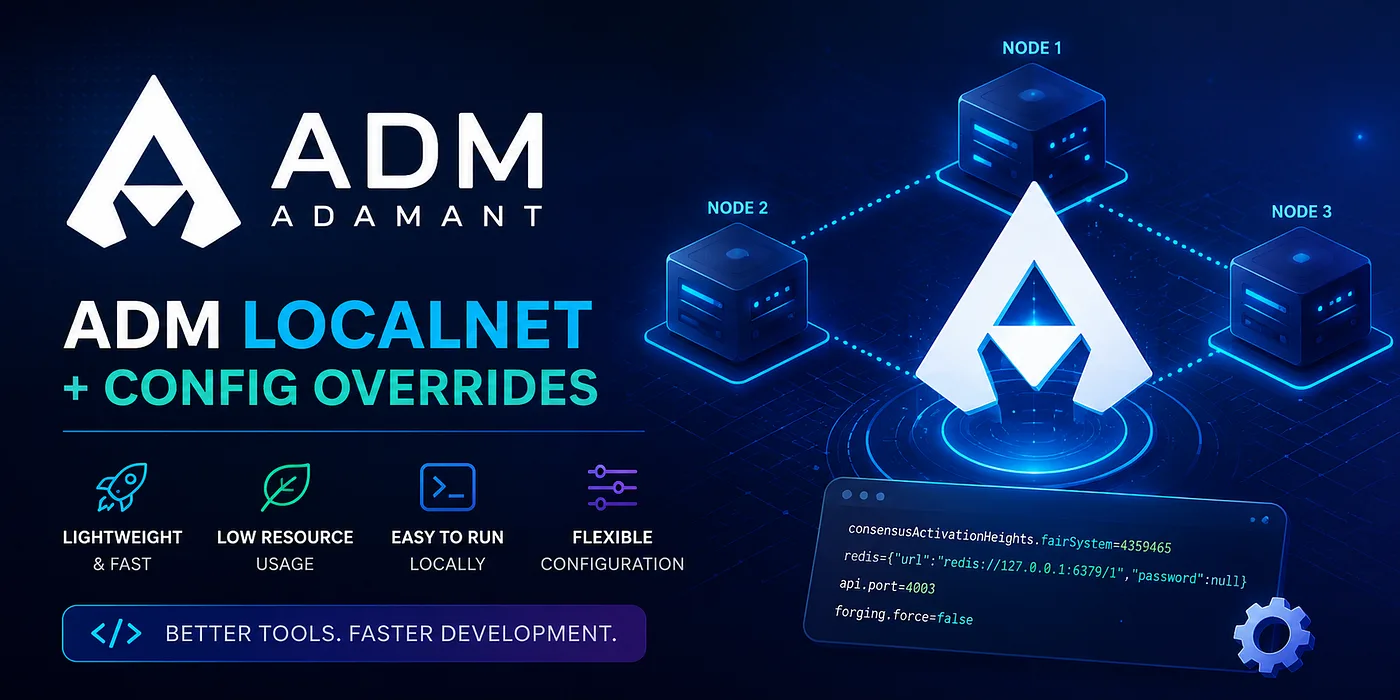
ADAMANT development has become easier and faster for node operators, contributors, and application developers. In addition to the public ADAMANT Testnet, developers can now run a lightweight local ADAMANT network directly on their own machine. This Localnet setup is designed for quick experiments, automated checks, scenario testing, and development workflows that do not require a public network or heavy infrastructure. At the same time, ADAMANT Node now supports flexible configuration overrides, allowing operators and test automation scripts to change node settings at startup without editing config.json or test/config.json manually.
From Testnet to Localnet
The Testnet remains important because it gives developers a shared public environment closer to real network conditions. It is useful for testing integrations, checking application behavior, validating node compatibility, and experimenting with features before they reach Mainnet. However, not every development task needs a public network. Sometimes developers need something smaller and faster — starting several nodes locally, testing consensus-related changes, checking peer discovery and synchronization, reproducing a bug, running automated scenario tests, or validating node behavior before opening a pull request. This is where Localnet comes in.
What is ADAMANT Localnet?
ADAMANT Localnet is a managed local multi-node ADAMANT network that runs on a single machine. Instead of connecting to public Testnet nodes, Localnet starts several isolated ADAMANT nodes locally. Each node has its own ports, runtime state, logs, configuration, process metadata, and database settings.
The basic workflow is simple:
npm run start:localnet -- --nodes 3
npm run status:localnet
npm run stop:localnet
When a full cleanup is needed, persisted local databases can be removed with npm run drop:localnet or by using npm run stop:localnet -- --dropOnStop.
Localnet is intentionally lightweight. It does not require a public server, a VPS, or long synchronization from the network. It runs locally, uses controlled test configuration, and is suitable for development machines. This makes it useful for contributors testing node changes before submitting them, maintainers needing fast release checks, developers building applications on top of ADAMANT APIs, and automation scripts or CI-like environments.
What Localnet creates under the hood
When Localnet starts, it generates isolated runtime data for each node, including per-node configuration files, runtime state, PID files, a manifest, local chain data, and per-node log folders. Logs are separated by node, for example under logs-localnet/node-1/, logs-localnet/node-2/, and so on. This is important because multi-node issues often require comparing behavior across different peers — a single log file is not enough when debugging propagation issues, reconnects, missed blocks, split-brain situations, forging behavior, or broadhash consensus. The Localnet tooling also produces machine-readable metadata that can later be consumed by scenario testing tools.
The status script reports per-node information such as API status, delegate counts, last forging time, nethash, and live broadhash consensus. Broadhash consensus is especially useful for checking whether local nodes are actually aligned with each other after startup. In a local smoke test, a 3-node localnet was started, status was polled, live broadhash consensus reached 100% on all nodes, and then the localnet was gracefully stopped and dropped.
Localnet is not stopped by simply killing processes. The stop:localnet script uses the node’s normal graceful shutdown path, which helps avoid unnecessary database or runtime state issues and keeps local testing closer to real operational behavior. By default, local PostgreSQL databases are persistent. Automatic database creation depends on the local PostgreSQL role having CREATEDB permission; if this is not available, developers can use an existing database setup or documented skip/create options.
Config overrides: no more manual config editing
Previously, ADAMANT Node supported selecting a config file with --config and had several hard-coded CLI overrides such as --port, --address, --peers, --log, and --snapshot. That worked for simple cases but did not scale well. Operators and automation scripts often need to change nested configuration values — ports, Redis settings, database settings, peer lists, logging options, API settings, forging configuration, activation heights, or test-specific parameters. Editing copied config files manually is error-prone, adding one CLI flag per config key does not scale, and replacing the whole config file is often too heavy for small environment-specific changes.
Developers can now pass individual config values directly at startup using dot-path keys that match the existing config object shape:
node app.js \
  --config test/config.json \
  --genesis test/genesisBlock.json \
  --config-set consensusActivationHeights.fairSystem=4359465 \
  --config-set redis='{ "url": "redis://127.0.0.1:6379/1", "password": null }'
This allows scripts to override a single nested scalar value or a whole object value. Values are parsed as JSON-compatible values where possible, so numbers, booleans, null, arrays, and objects can be represented correctly instead of being treated as plain strings.
Config overrides also support files. An env-style override file can contain entries like:
consensusActivationHeights.fairSystem=4359465
redis='{ "url": "redis://127.0.0.1:6379/1", "password": null }'
The implementation also supports JSON partial override files. This is useful for local environments, test automation, CI-like workflows, and maintainers who want a repeatable set of changes without modifying tracked configuration files. Localnet uses this mechanism by default through test/config.localnet.json, keeping the base configuration stable while localnet-specific differences are applied through the same validated override flow.
Validation and safety
The final resolved configuration is still validated against the existing ADAMANT config schema after defaults, override files, direct overrides, and legacy CLI shortcuts are resolved. Invalid paths, invalid value types, malformed JSON, and unsafe keys are expected to fail before startup instead of producing unpredictable runtime behavior. Sensitive values are redacted from config override logs, including passwords, passphrases, secrets, and tokens. Legacy startup shortcuts are routed through the same validated override pipeline and keep the highest override precedence, so existing workflows continue working while new workflows gain a more generic and consistent configuration mechanism.
Some configuration values are consensus-sensitive. Overriding keys such as consensusActivationHeights.* can be useful for local or test scenarios, but using network-incompatible activation heights against the wrong chain may cause a node to diverge from the network. Config overrides are intended to be explicit and visible. They are useful for Localnet, Testnet, automation, and controlled operational scenarios, but should be used carefully on production Mainnet nodes. The feature changes startup configuration resolution only — it does not directly change block logic, transaction serialization, reward logic, fee logic, delegate ordering, signature checks, or consensus rules.
Localnet and Testnet work together
Localnet does not replace Testnet; they solve different problems. Localnet is best for fast, private, repeatable development on one machine where developers need full control, quick startup, and isolated experiments. Testnet is best for public, shared, network-level testing where developers need a persistent environment, public peers, test ADM coins, explorer access, and application-level checks against a shared network. Together, they give ADAMANT contributors a stronger development pipeline: test locally with Localnet, validate against public Testnet, then prepare safer Mainnet releases.
Localnet lifecycle management was separated from scenario test execution on purpose. The Localnet scripts are responsible for starting, stopping, inspecting, and cleaning up the local network. Scenario runners can then target an already available Localnet or Testnet and produce reports. This separation keeps responsibilities clear and makes future tooling easier to build.