Processing adamant-wallets: Coin and Token Information for ADAMANT Client Apps
The adamant-wallets repository consolidates all coin and token information for ADAMANT client applications. The client app is responsible for correctly processing this data and providing developers with a convenient, unified structure. The proposed structure is not perfect—token information is merged from different folders—but alternatives carry their own trade-offs, so no structural changes are proposed here.
Terminology
A crypto is a general term covering both coins and tokens. Each crypto has a name (e.g., Bitcoin) and a ticker or symbol (e.g., BTC). A coin is a crypto that exists on its own blockchain, such as ADM, BTC, DOGE, DASH, or KLY. A token is a crypto that exists on top of some blockchain—for example, STORJ or USDT on Ethereum or Binance Smart Chain.
Every blockchain has one main coin, which shares common properties for all tokens on that chain and is used to pay transfer fees. For instance, transferring USDT on Ethereum requires fees paid in ETH. Each blockchain also defines a token type—Ethereum uses ERC20, Binance Smart Chain uses BEP20. A token may exist on multiple blockchains (a multi-chain token): USDT exists as both ERC20 on Ethereum and BEP20 on Binance Smart Chain. It is the same token with the same value and general info, but stored and transferred on different chains.
Basic Structure
Each crypto exists in the /general folder. Tokens additionally exist in the /blockchains folder. For example, /general/USDT/info.json holds general info about USDT, while /blockchains/ethereum/USDT/info.json holds USDT-specific info on Ethereum. The /blockchains/{chain}/info.json file stores chain-specific shared info for all tokens on that chain and defines the main coin link with base properties.
Property Sources for a Token
Any token on any blockchain has four sources of properties, merged in priority from high to low:
/blockchains/ethereum/USDT/info.json— specific token on a specific blockchain/blockchains/ethereum/info.json— shared token info for this blockchain/general/ethereum/info.json— info from the blockchain’s main coin/general/USDT/info.json— general token info
For example, USDT on Ethereum merges all four, with source (1) overriding (2), and so on.
Creating Coins and Tokens in Apps
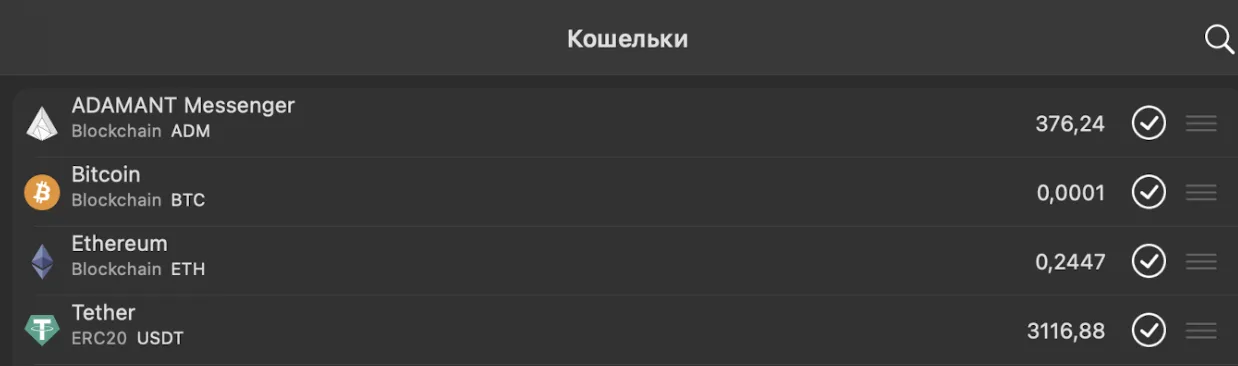
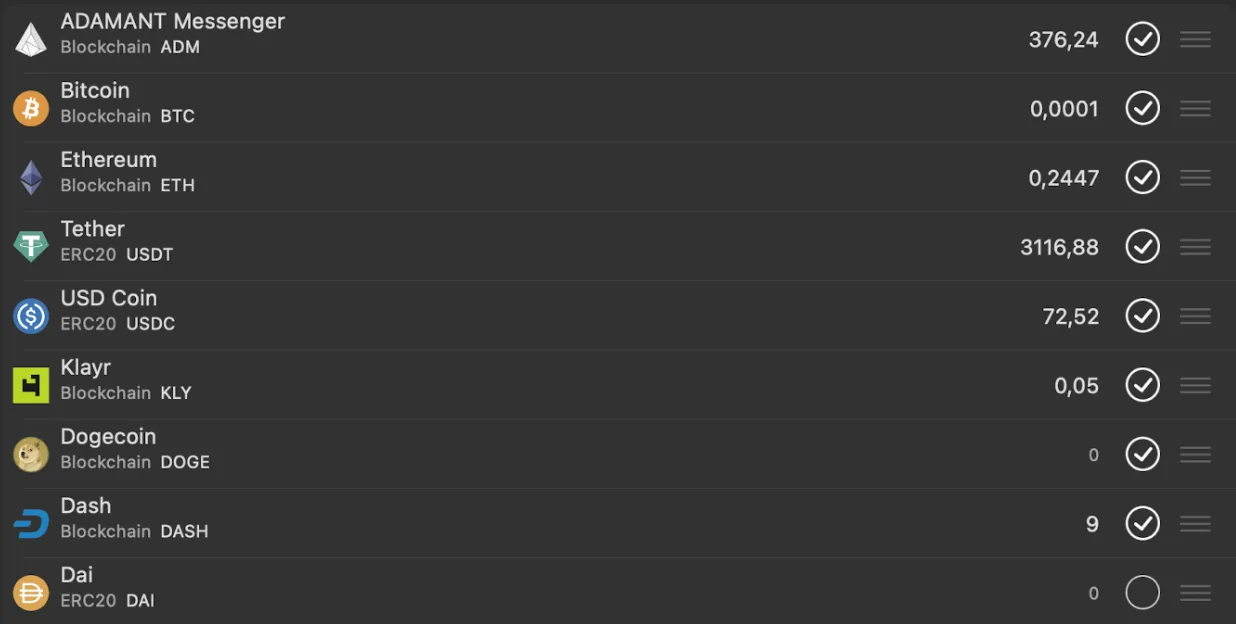
To create coins, the app loops through all cryptos in /general and reads each /general/{crypto}/info.json. It skips entries where status is not active or where type is not coin. If createCoin = true, it creates a coin object displayed as a blockchain entry with no token type—examples include ADM and BTC.
To create tokens, the app loops through all blockchains in /blockchains (e.g., ethereum, binanceSmartChain) and reads the chain-level info.json. It skips the blockchain if its status is not active and notes the mainCoin. It then reads /general/{mainCoin}/info.json for the main coin’s general info. For each token in that blockchain folder, it reads /general/{token}/info.json—skipping the token if the file is missing or if type is not token—and then reads /blockchains/{blockchain}/{token}/info.json, skipping if status is not active. Finally, it merges all four sources according to priority and creates a token object displayed with its token type (e.g., ERC20, BEP20). Examples include USDT, USDC, and DAI.
Data Object for a Crypto
After parsing adamant-wallets, the app holds a data object with info on all coins and tokens across chains. Because properties are already merged, retrieving data is straightforward:
// Inside token-related methods
let property = coinInfo.property

// Outside, referencing by token and chain
let property = coinInfo["USDT"]["ethereum"].property
This ensures ADAMANT apps can handle multiple blockchains and tokens consistently.