In-chat scroll position and new messages separator
This document describes how scroll position in ADAMANT chats should behave when a user enters or interacts with a chat.
Two scroll states
Scroll position is stored separately for each chat. A chat is either in a state where no position is stored, or in a state where a position has been saved because the user scrolled manually and saved a scroll position.
Showing the Scroll to bottom button
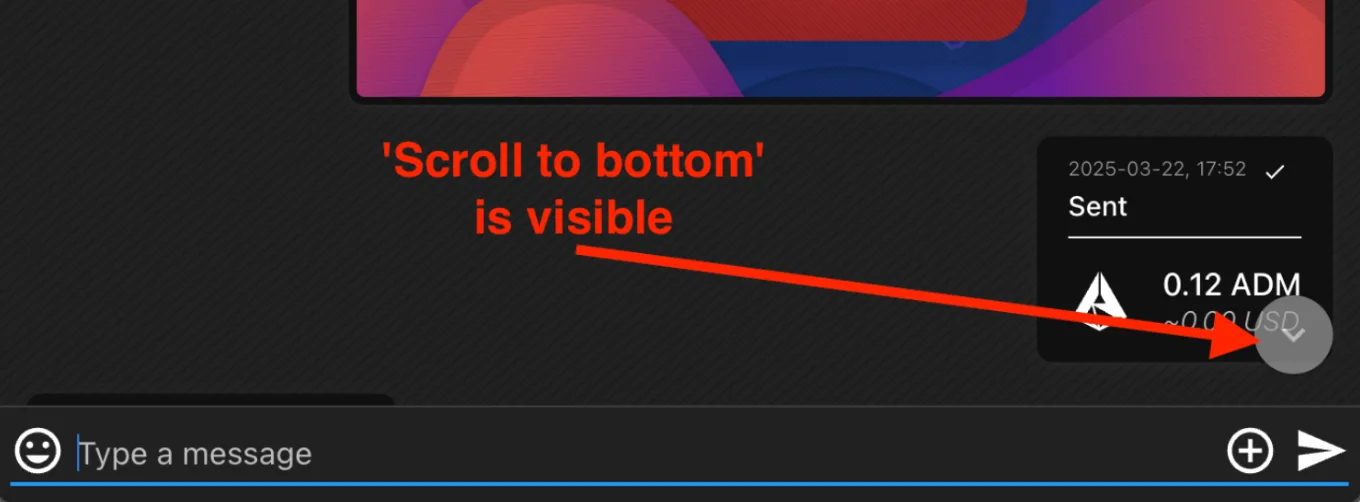
The Scroll to bottom button should appear when the last single-lined message is hidden for roughly three quarters of the screen.
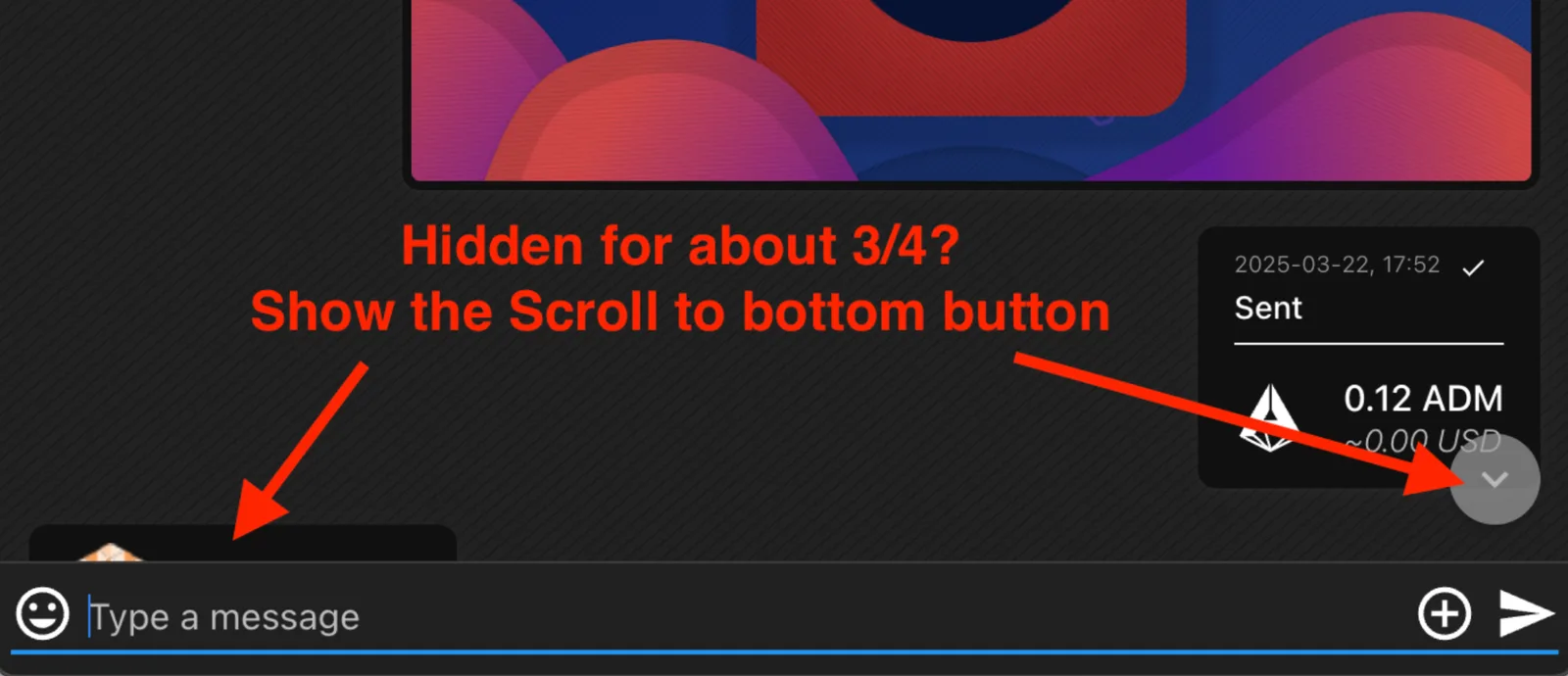
When the user taps the button, the action depends on whether new messages exist. If there are new messages — indicated by a counter shown near the button — the view scrolls to the New messages separator. If there are no new messages, or the user is already at or below the separator, the view scrolls to the very bottom.
When scrolling to the New messages separator, the separator should be positioned with about three lines of messages above it. Sound, vibration, and message highlighting should not be triggered in this case.
The separator should never appear before the very first message in a chat. For example, if a user receives ten messages from a new contact, the chat scrolls to the first message but no separator is shown.
Saving scroll position
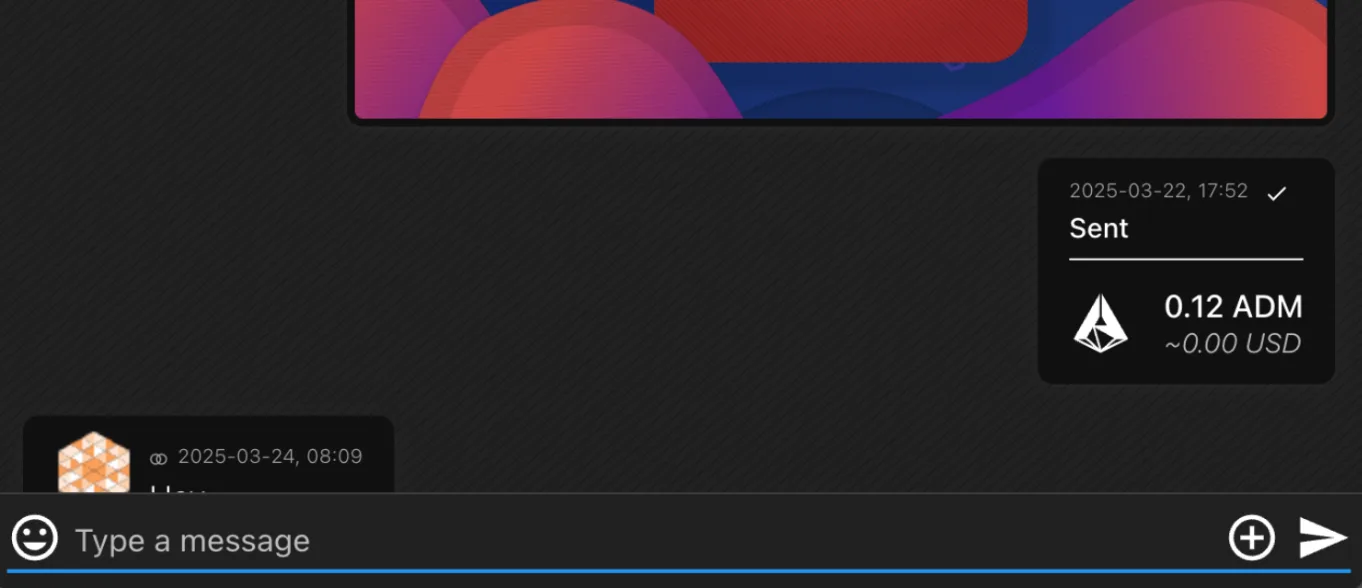
Scroll position should be saved only when the user is not at the very bottom of the chat. A position within a few pixels of the bottom is considered “at the very bottom” and should not be saved. As a rule of thumb, if the Scroll to bottom button is visible, the position should be saved.
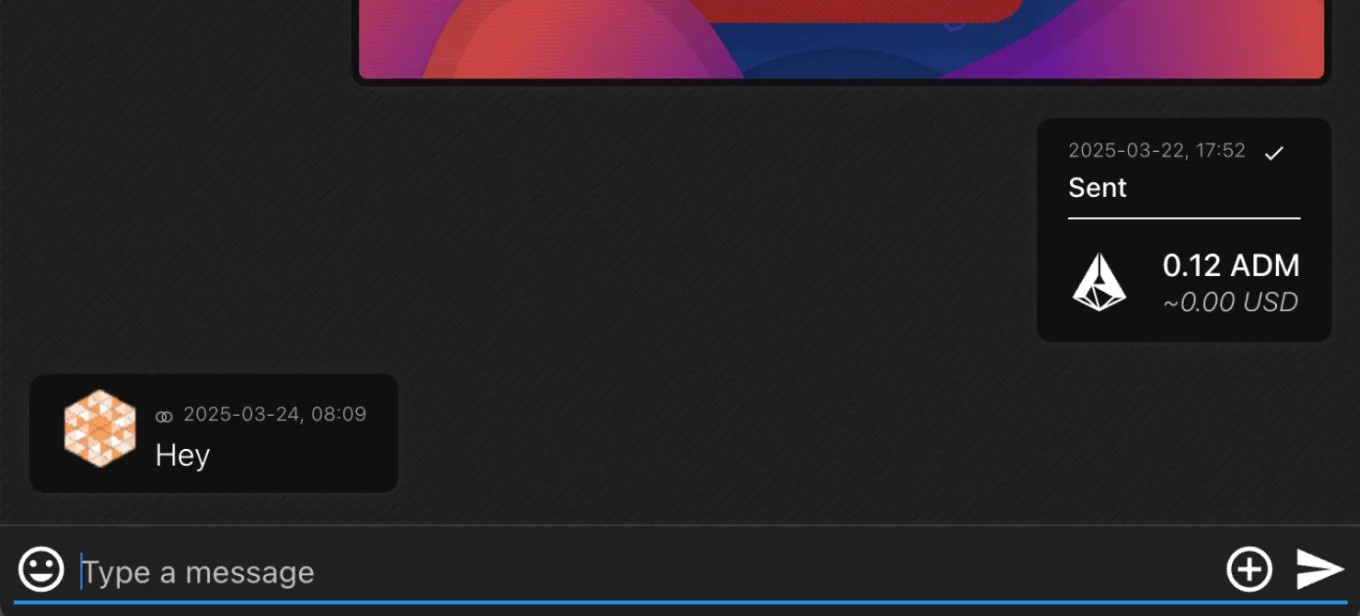
If the chat length is below the screen height — for example, a few short messages — it is always considered to be at the very bottom: the button is hidden and the scroll position is not saved.
Restoring scroll position
There are three events to handle. First, the user is inside a chat when a new message arrives. Second, the user opens a chat that has new messages from the Chat list or from another screen such as Go to chat from Transaction list → Transaction details. Third, the user opens a chat from a new-message notification, whether in-app or push.
When a user is inside a chat and a new message arrives, behavior depends on whether a scroll position is saved. If no position is stored, the chat always scrolls to the very bottom with each new incoming or outgoing message, and no separator is shown. If a position is saved, an incoming message does not trigger a scroll; instead, the counter on the button is updated and the separator is shown, which the user reveals by tapping the button or scrolling manually. An outgoing message, however, always scrolls to the very bottom regardless of saved position.
When a user enters a chat that has new messages from the Chat list or another screen, and no position is stored, the chat goes to the New messages separator. If a position is saved, the chat does not scroll; the counter on the button is updated and the separator is shown, which the user will see when they tap the Scroll to bottom button or scroll manually.
When a user enters a chat from a notification of a new message, the chat goes to the New messages separator regardless of whether a position is saved. Even if multiple messages were received, the view should not jump to the very latest one.
These rules ensure consistent and predictable behavior for scrolling, separators, and restoring position across all chat entry points in ADAMANT.