ADAMANT achieves blockchain consensus using an improved Delegated Proof of Stake (dPoS) algorithm known as Fair dPoS. To become a delegate and forge blocks, you must run a node, pay a 3,000 ADM registration fee, and accumulate enough votes to rank within the top 101 delegates.
Begin by installing and running an ADAMANT node. Once the node is operational, switch to the adamant system user and install the adamant-console tool from the npm repositories.
su - adamant
npm i -g adamant-console
Next, create a configuration directory and copy the default config file into it.
mkdir ~/.adm && cp /home/adamant/.nvm/versions/node/$(node -v)/lib/node_modules/adamant-console/config.default.json ~/.adm/config.json
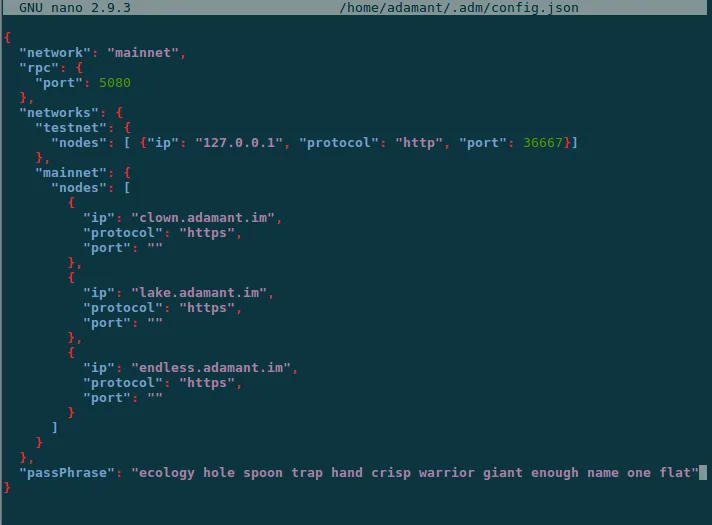
Edit the copied ~/.adm/config.json file using a text editor. Change the network parameter from testnet to mainnet and add your delegate’s passphrase. Keep your passphrase secret and ensure your server remains secure. Alternatively, you can omit the passphrase from the config and pass it via a command-line flag during registration.
Launch the console by running adm. Register your delegate by executing the following command, replacing <new delegate name> with your preferred name. The wallet associated with your passphrase must hold at least 3,000 ADM to cover the registration fee, which is distributed to other forging delegates.
delegate new <new delegate name>
If you did not specify the passphrase in the config file, include it directly in the command:
delegate new <new delegate name> --passPhrase "passphrase here"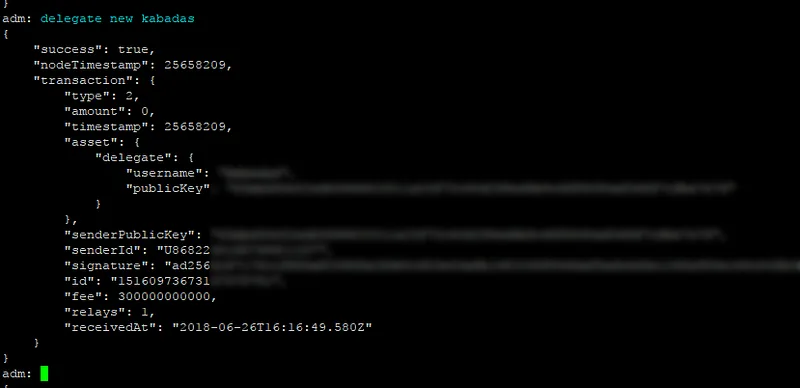
After successful registration, exit the console by pressing Ctrl+C twice. To start forging, update your node’s configuration file at ~/adamant/config.json. Set the forging/secret parameter to your twelve-word passphrase enclosed in quotes, then restart the node.
nano ~/adamant/config.json
pm2 restart adamant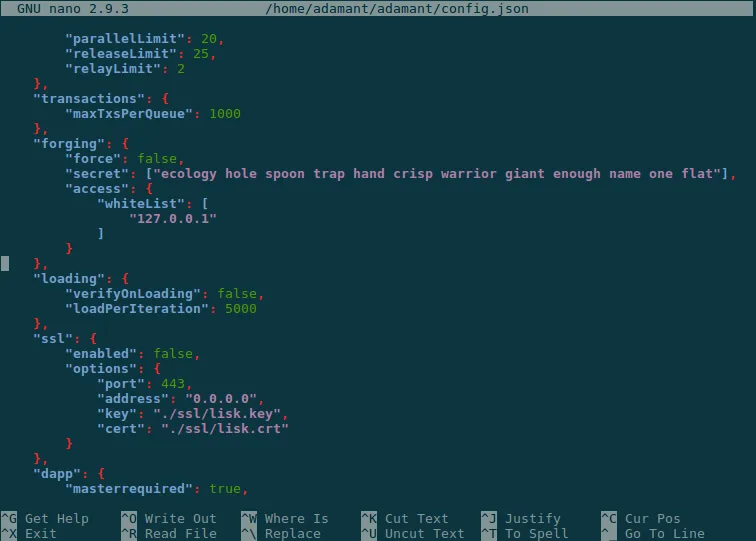
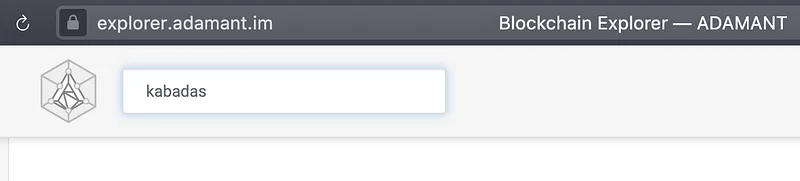
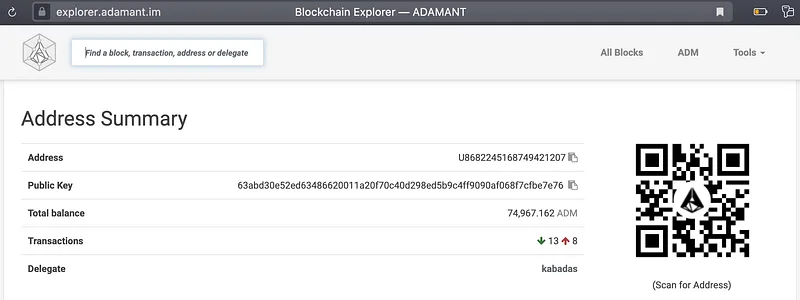
You can validate your delegate status by visiting the ADAMANT Delegate Monitor and searching for your delegate name. This will redirect you to a details page confirming your registration.
Registration alone does not enable forging; you must receive votes from ADAMANT users via the Messenger apps. Once your delegate accumulates enough vote power to enter the top 101, monitor its performance in the Delegate Monitor. A green circle indicates successful block forging, while grey, yellow, or red circles suggest configuration issues—typically an incorrect passphrase in the node’s config—or node downtime. Keep your node active, track your delegate’s rank, and apply major updates as needed.
